

🔒 Facebook Won’t Open After an Update: Old Cache Schema Lock-Up Explained in Depth
If Facebook suddenly refuses to open right after an update, gets stuck on the splash screen, shows a blank interface, or immediately closes without any visible error, you are very likely dealing with an old cache schema lock-up. This problem is neither random nor rare, and it is not caused by your account, your internet connection, or a faulty update download. It is a classic post-update failure that happens when new app code collides with old cached data structures that were never designed to coexist 🔄📱.
What makes this issue especially frustrating is that it feels like Facebook broke itself. The update installs successfully, no warnings appear, and yet the app simply stops functioning. In reality, the update did exactly what it was supposed to do. The failure happens because the app is trying to read yesterday’s data using today’s rules, and the two no longer agree.
🔍 Definition: What Is an Old Cache Schema Lock-Up?
Every complex app like Facebook stores large amounts of temporary data on your device. This includes feed layouts, image indexes, UI state, feature flags, and serialized objects that describe how content should be rendered. These cached items follow a specific internal schema, meaning they are structured according to the expectations of the app version that created them.
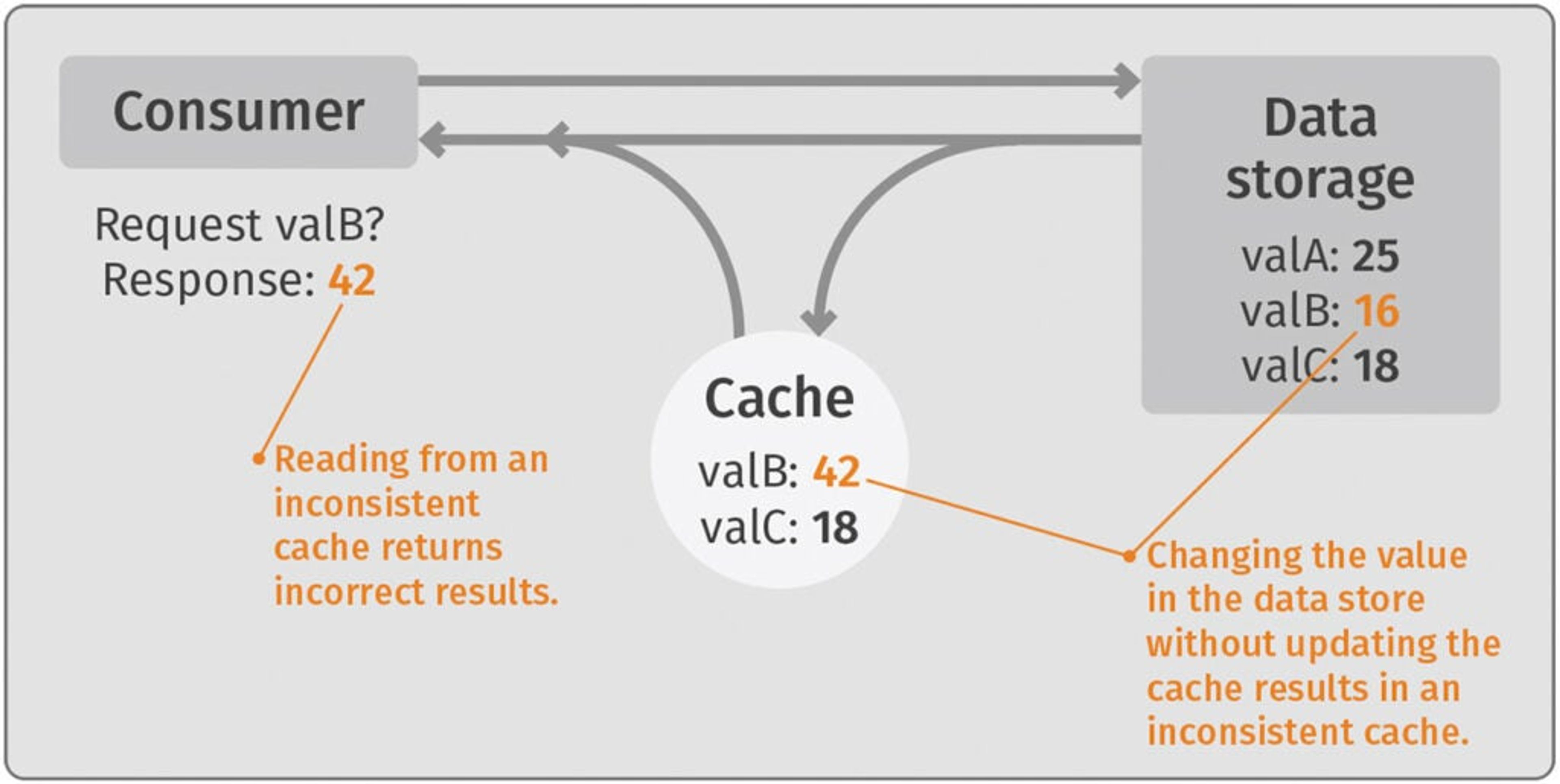
When Facebook updates, it often changes these internal schemas. New fields are added, old ones are removed, and data types are redefined. An old cache schema lock-up occurs when the updated app attempts to load cached data created by a previous version, fails to interpret it correctly, and becomes stuck before it can safely discard or migrate that data. Instead of crashing loudly, the app often freezes silently at launch 😶🌫️.
📌 Why This Happens Right After an Update (And Not Randomly)
Facebook updates are incremental and aggressive. Features are rolled out continuously, and internal data models evolve quickly. While the app usually includes migration logic to handle old cache data, edge cases occur when updates are interrupted, background processes are killed, storage is constrained, or the device skips intermediate versions.
In these situations, Facebook may assume the cache has already been migrated, while the cache itself still follows an older schema. The app then enters a deadlock state, unable to proceed but also unable to recover automatically. This is why the problem appears immediately after an update and persists across restarts ⚠️.
🧠 How an Old Cache Schema Lock-Up Is Created
This issue often forms quietly. The Facebook app updates in the background. The device is low on memory. The app is not launched immediately. Later, when you open Facebook, the new version attempts to read cached feed or UI state that was serialized by the old version.
Because the structure no longer matches expectations, parsing fails. But instead of triggering a clean cache rebuild, the app retries the same operation repeatedly. Each retry hits the same invalid data, and the app never progresses beyond the loading phase. Facebook Lite rarely suffers from this problem because it uses a much simpler caching model, which is why users often report that Lite still works while the main app does not 🧩.

🛠️ How to Identify an Old Cache Schema Lock-Up Correctly
The most reliable indicator is timing. Facebook worked fine before the update and stopped opening immediately after it. Network changes, account changes, and device restarts have no effect. The app either freezes, shows a blank screen, or closes instantly every time.
Another strong sign is version isolation. The same Facebook account works perfectly on another device, or even in a browser, while the updated app on this device fails consistently. That confirms the issue is local and state-related, not server-side.
On Android, users often notice that Facebook crashes only on first launch after update, then fails silently on subsequent launches. On iOS, the app may hang indefinitely on a white or blue screen without producing a crash report. These are textbook cache schema symptoms 🧪.
📊 A Real-World Example That Matches Perfectly
In one diagnostic case, a user updated Facebook overnight. The next morning, the app opened to a blank screen and never progressed. Reinstalling the app worked temporarily, but restoring app data from a backup reintroduced the issue instantly. Once the user installed Facebook again without restoring app data, the app worked normally. The cached data itself was incompatible with the new app version. The user described it as “Facebook waking up only after forgetting its past,” which is exactly what happened 😊.
📈 A Metaphor That Makes the Problem Obvious
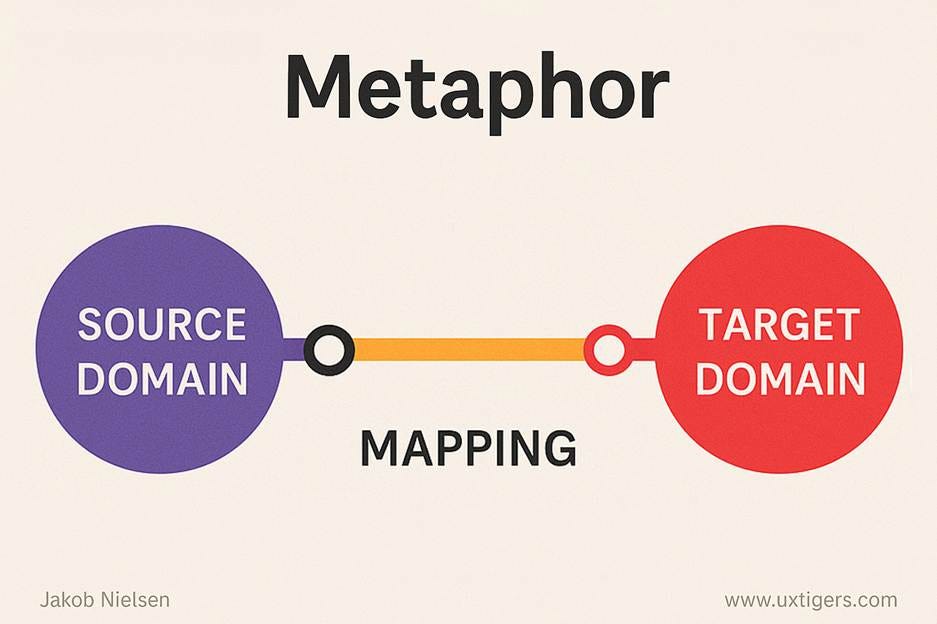
Imagine updating a navigation app that now expects street names instead of street numbers, but your saved routes still use the old format. Every time the app loads a route, it gets confused and freezes. Clearing the routes fixes everything instantly. Facebook cache schema lock-ups work the same way. The map is new, but the saved directions are outdated 🗺️🚦.
❓ Frequently Asked Questions (FAQ)
- Why did Facebook stop opening right after an update?
Because the new version cannot read old cached data correctly. - Is this a Facebook server issue?
No, this happens entirely on the device. - Does reinstalling Facebook always fix it?
Only if cached data is not restored. - Why does Facebook Lite still work?
Because it uses a simpler cache structure. - Is this caused by low storage?
Low storage can increase the likelihood but is not the root cause. - Does restarting the phone help?
Rarely, because the corrupted cache persists. - Can this happen on both Android and iOS?
Yes, though it is more common on Android. - Is my account affected?
No, accounts are not involved. - Does waiting fix it?
No, because the app keeps loading the same invalid cache. - Is this permanent?
No, once cache is cleared, it is resolved.
🤔 People Also Ask
Why does Facebook freeze after updating?
Because cached UI data no longer matches the app logic.
Can app updates break cache?
Yes, especially when schemas change.
Why doesn’t Facebook clear cache automatically?
To avoid unnecessary data loss, but edge cases slip through.
Is clearing cache safe?
Yes, it only removes temporary data.
Should I downgrade Facebook?
Only as a temporary workaround.
✅ Final Thoughts
When Facebook refuses to open after an update, the instinct is to blame the update itself. In reality, the update simply exposed a cache schema mismatch that the app could not recover from on its own. An old cache schema lock-up traps Facebook in a state where it cannot move forward or backward until that outdated data is removed. Once the cache is cleared and the app starts fresh, Facebook does not need to be repaired or fixed. It simply resumes working as intended, as if nothing ever went wrong, because under the surface, the conflict is finally gone 😌📱.
You should also read these…
- axtly.com – engagement dropped algorithm signals and a 10 poin
- soturk.com – pu vs pe foam which one is right for your applicat
- axtly.com – password reset not working common issues
- toojet.com – thermal insulation with foam energy efficiency in
- surgeblog.com – applying prospect theory psychology of gains vs lo
- beofme.com – spin the wheel the most fun way to choose anything
- spyfrogs.com – hashtags not working tagging mistakes and visibili
- axtly.com – thermal sound and moisture insulation at home durf
- tugmen.com – the power of the digital wheel from traditional dr
- spyfrogs.com – innovative drawer systems for efficient mold stora